As an added level of security, you will be required to enter a Multi-Factor Authentication code when logging in and making changes to your personal information. You can choose to receive the code to your e-mail address or cell phone.
When logging into your account via online.tauntonfcu.com or the mobile app, simply enter your username and password and select CONTINUE.

A SECURITY CHECKS and provide you with the options to receive your verification code. You can select your e-mail address or cell phone number. If this information is not correct, please call us at (508) 824-6466 to update your account.
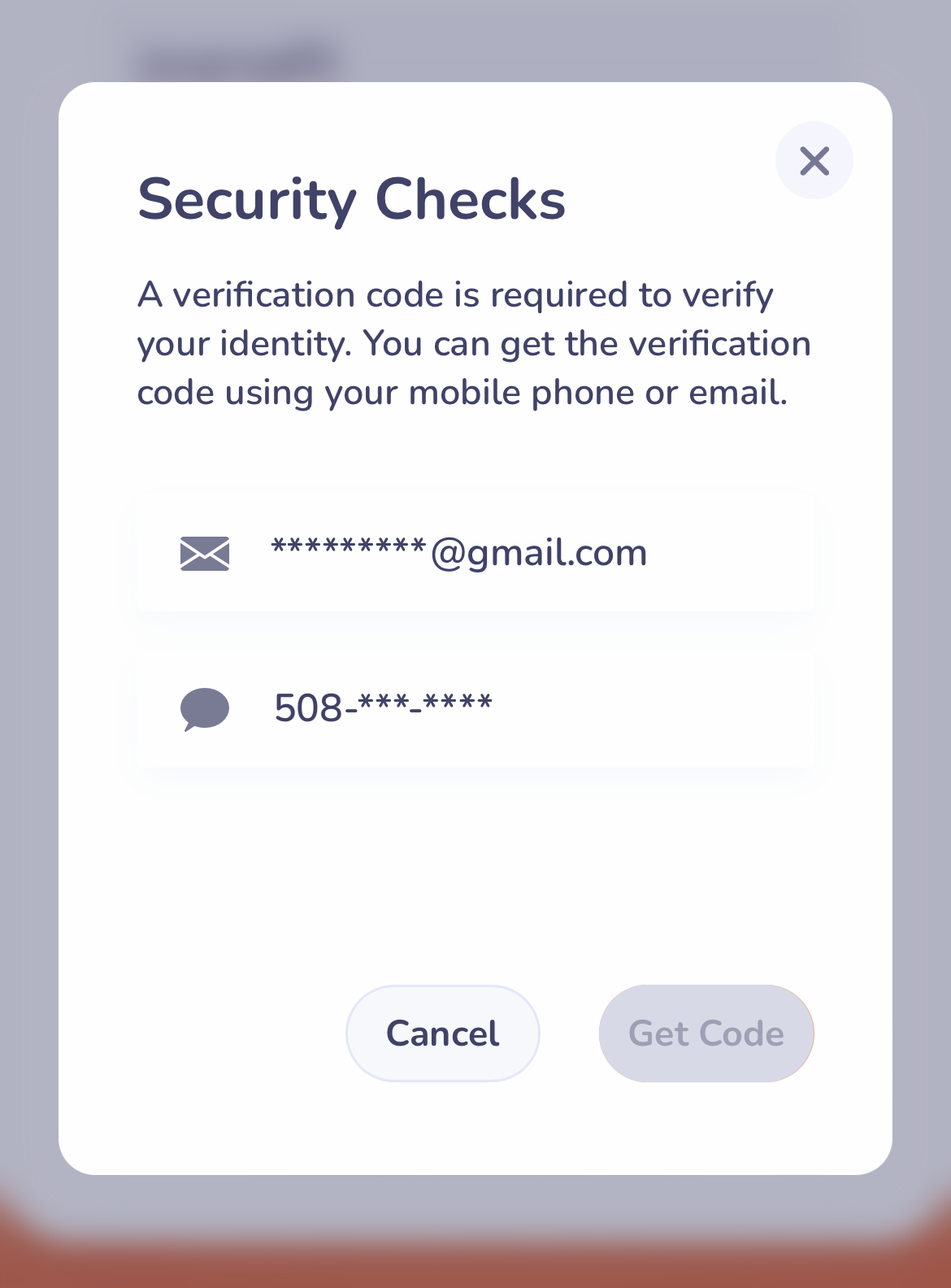
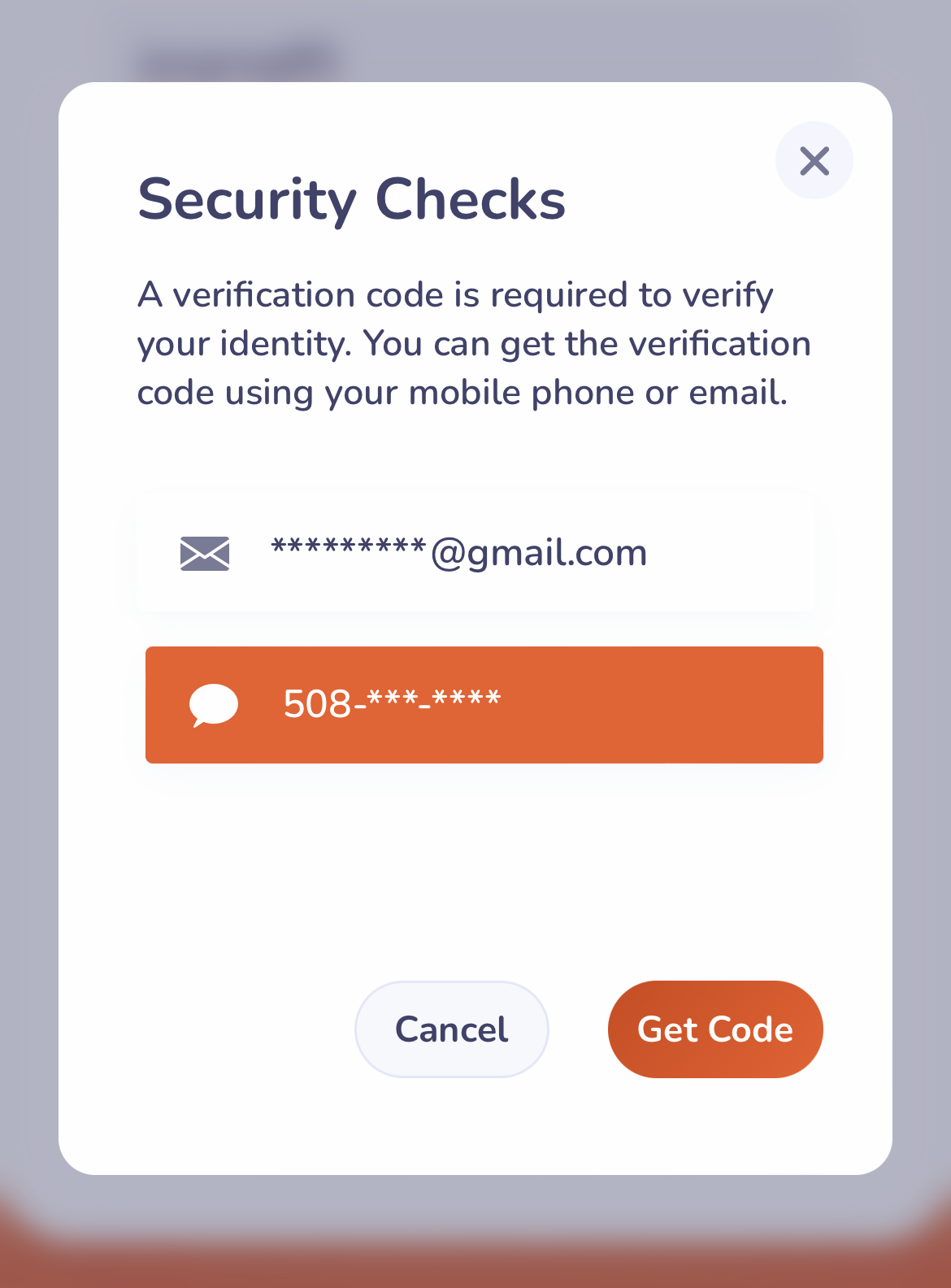
Once an option is selected, select GET CODE and check either your text messages or e-mail. Please note: If you are using a desktop computer to access online banking and select e-mail as the option to receive your code, DO NOT CLOSE THE WINDOW or the pop up to enter your verification code will disappear and you will have to start over. Open your e-mail in a new window or tab to obtain your verification code.
Sample Text Message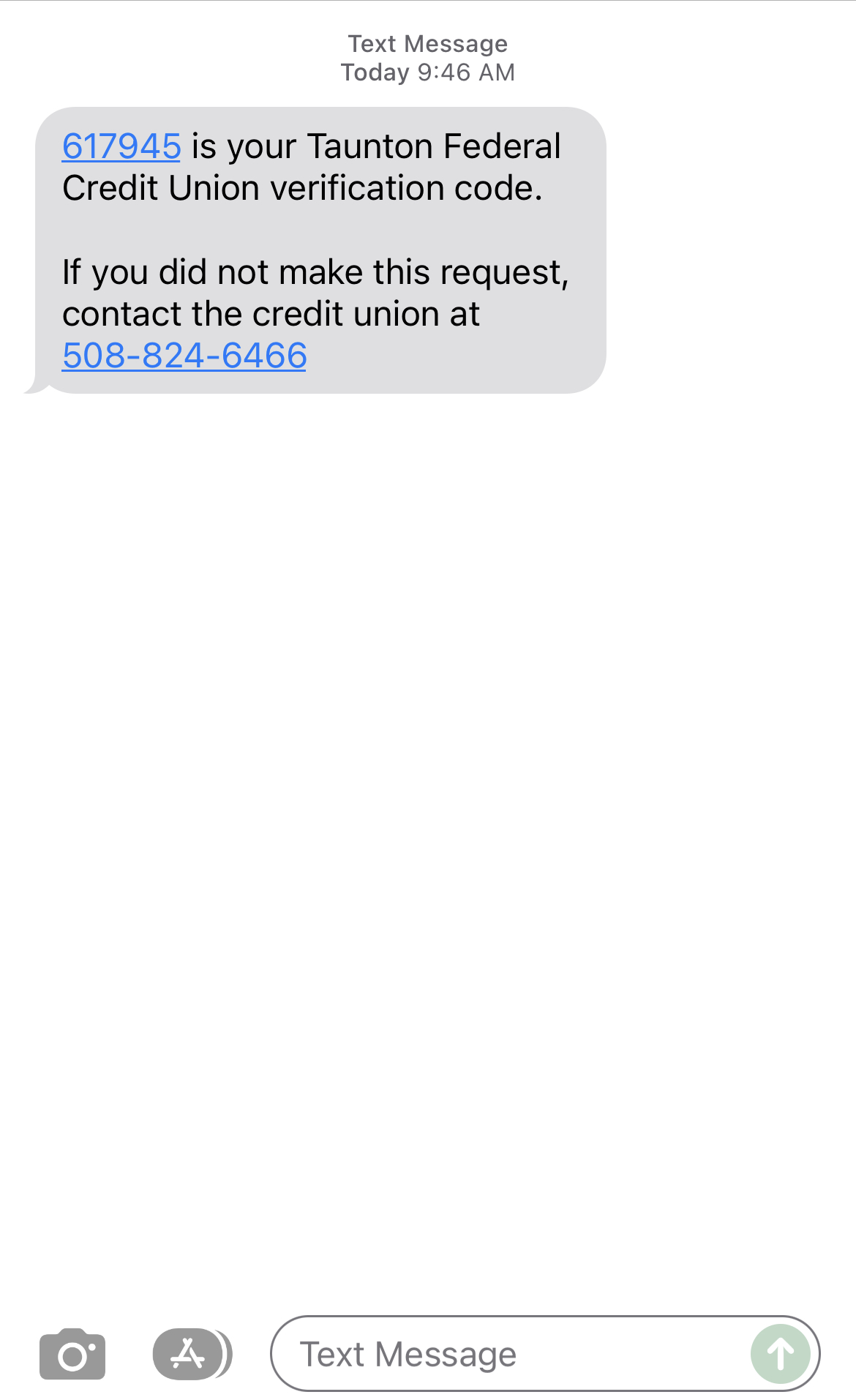
Sample E-Mail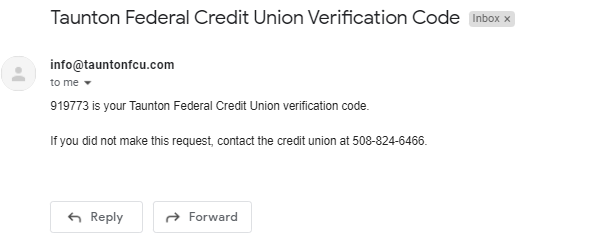
Use the code received and enter it into the VERIFICATION CODE box. If you did not receive a code, you can choose to resend the code again. This code is one-time-use only and will need to be resent if verification fails.
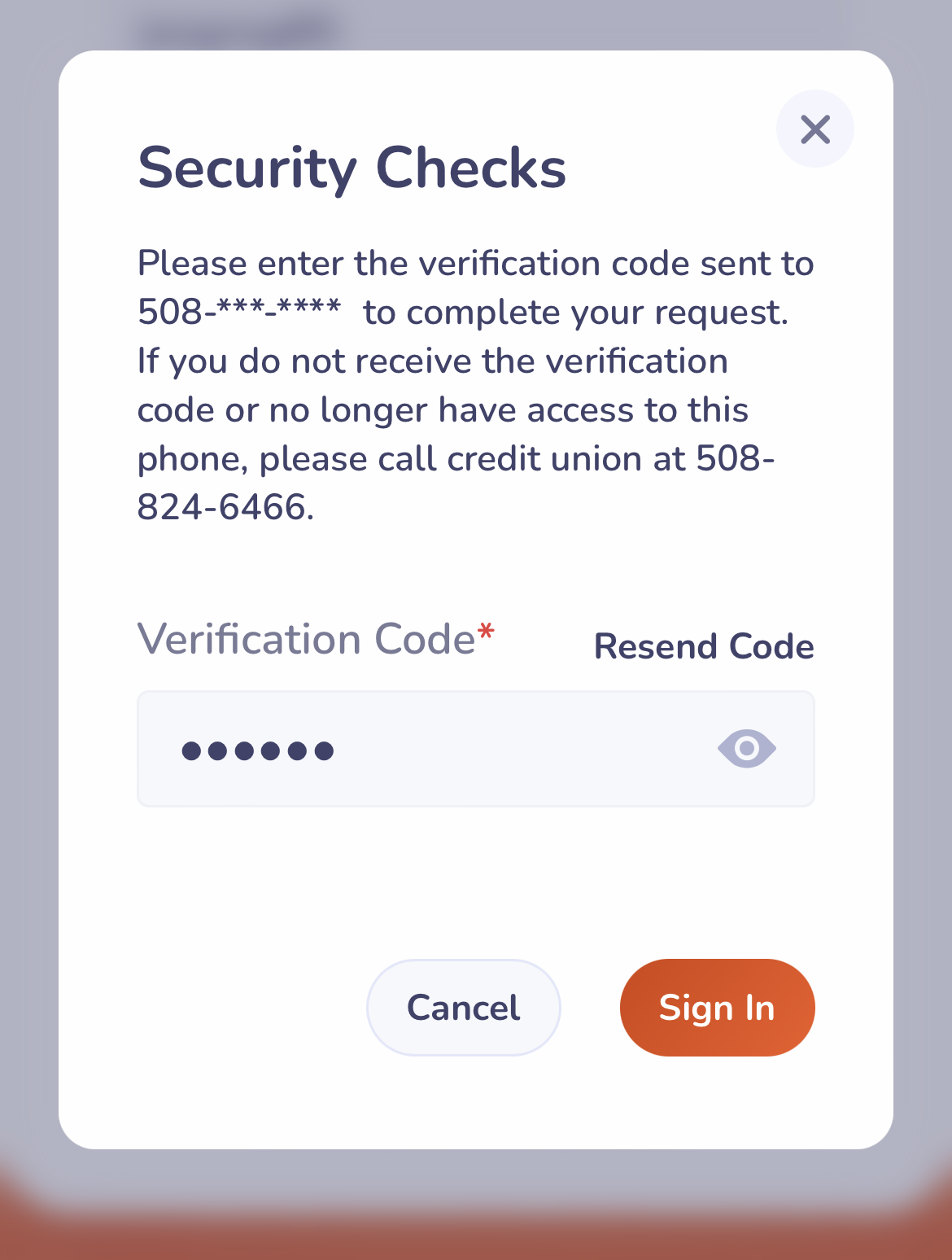
Once the code is entered, select SIGN IN
You will then be granted access to your online banking account! To make sure we have your most current contact information, once logged in to Online Banking, select the MORE tab to locate Profile Settings.